
Add or change a scene transition
Add or change a scene transition
Summary
To add or change a scene transition, select the scene in your timeline (click the scene background, not an element), then click the butterfly icon to open transition options and pick your transition. The transition will be placed before the selected scene.
1.
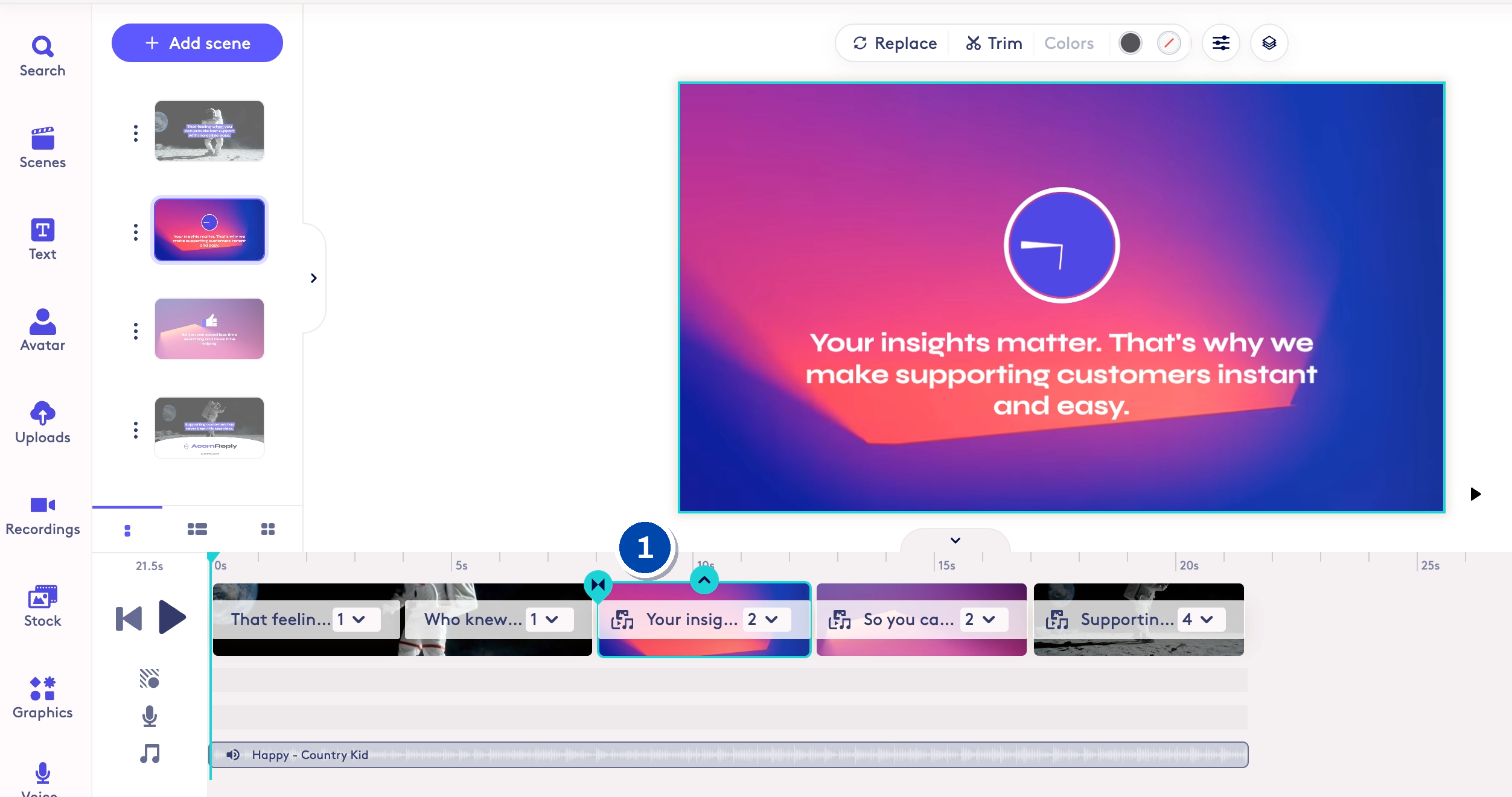
1: In the timeline, select the scene where you want to add a scene transition. The transition will be added before that scene. Make sure to click on the background portion of the scene, not the element.
2.
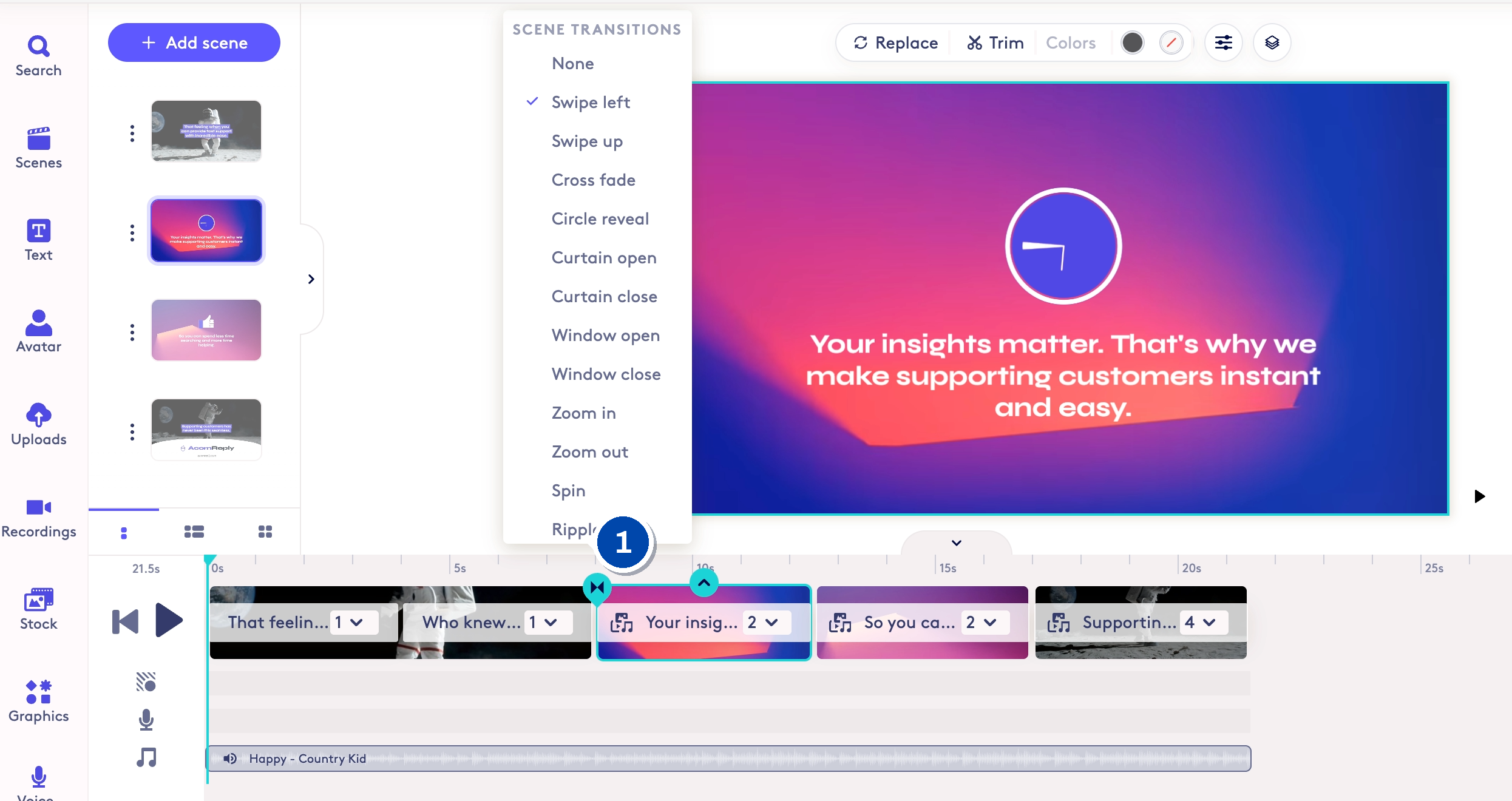
1: Click on the butterfly icon to open the scene transitions options and select the transition you would like to apply.
Made with Cobalt Capture.
Updated on: 29/06/2026
Thank you!