
All articles
View your account, plan, and billing information
On this page
Learn how to easily view your account, plan, and billing information.
Common questions:
- How can I find when my account subscription will renew?
- How do I find my renewal date?
- How do I know what package or plan I am on?
- How do I update my billing information?
How to navigate your account settings:
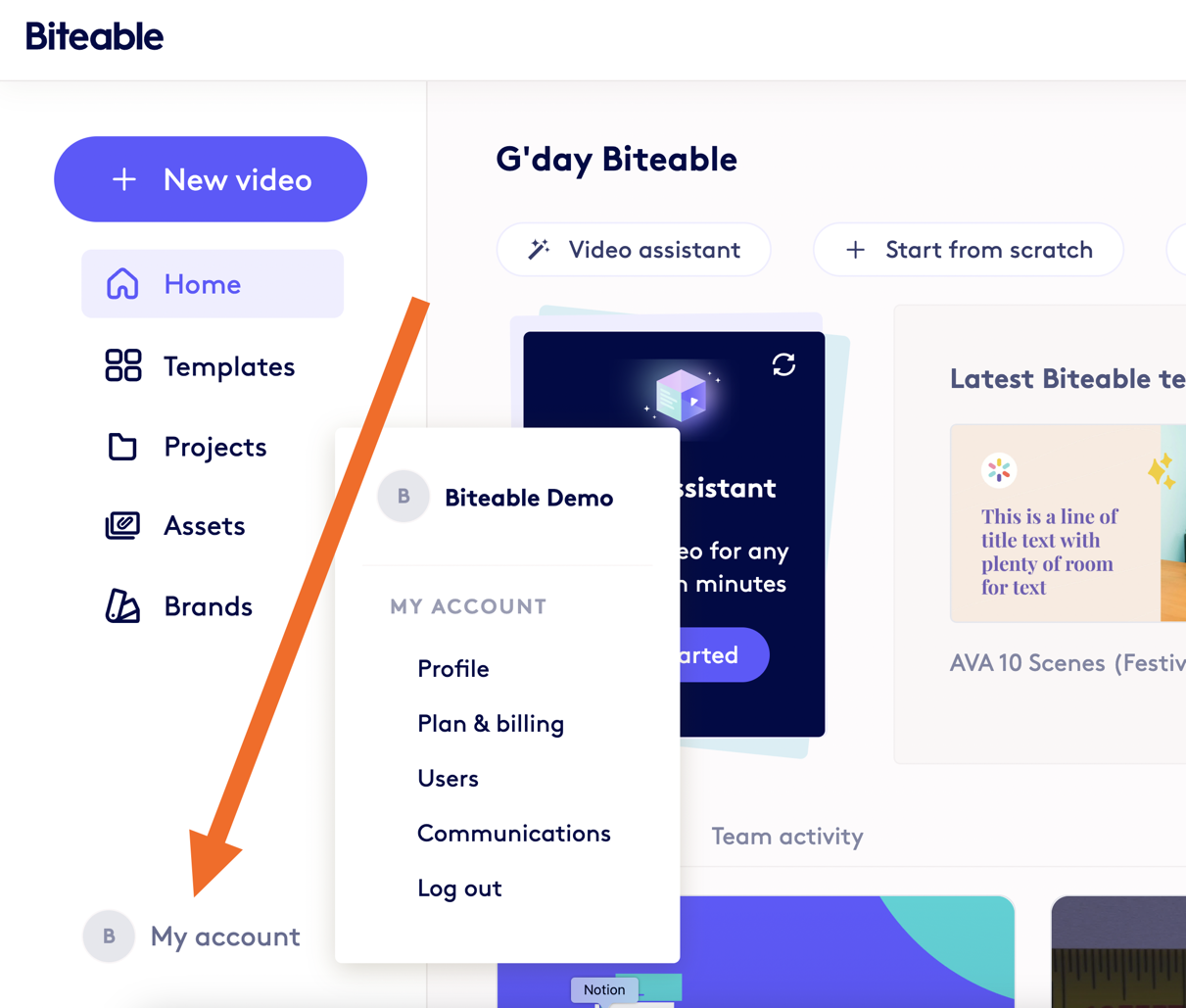
In your My Account settings, you can view key information about your account.
You can access My Account settings from the bottom left of your Home dashboard or by visiting this link: https://app.biteable.com/client/account
Profile
- Update your name and email address
- Change your password
Plan & billing
- View your current plan and pricing
- View your renewal date
- Update your billing information
- View your billing history and generate invoices
Users
- Add, view, and update permissions for users on your team
Communications
- Manage email preferences